
How St. Petersburg Arrests Work
Several agencies can make an arrest inside St. Petersburg. The St. Petersburg Police Department handles city streets. The Pinellas County Sheriff's Office works the wider county. Others can arrest here too. Whoever stops someone on the street does not always hold the booking. Adults accepted into county custody pass through Pinellas County Jail Central Booking and Release. That step creates the county booking entry. The arresting-agency field then shows whether SPPD, the sheriff, or an outside agency made the arrest.
St. Petersburg is the county's largest city, home to 258,308 people in the 2020 Census. Its coastal urban size feeds many police and news channels. None of them replaces the county custody search. An SPPD release covers a chosen investigation. The PCSO entry reports booking and custody fields. The Pinellas Clerk docket tracks what happens in court. That split matters when you need one specific fact.
Where St. Petersburg Arrests Appear
The police department posts no daily arrest roster, booking blotter, or city mugshot feed. Check the county booking system first. SPPD news covers selected incidents. Active calls and press releases are not a count of completed bookings.
| Channel | Photo status | Authority and use |
|---|---|---|
| PCSO Who's in Jail | Not guaranteed | Official current custody and recent-release search. |
| SPPD | Only when a release includes one | Official selected police news, not a full arrest log. |
| PCSO Records | Targeted request | Official booking record or photograph request path. |
| Tampa Bay Times and Bay News 9 | Story dependent | Independent, selected news coverage, not a roster. |
| TB Crimes | May display images | Unofficial and potentially incomplete or stale. |
Other county-level publishers can hold older St. Petersburg entries. Treat them as secondary. Check dates, identities, custody status, and charges against PCSO and the Clerk, since a missing photo on the public roster does not mean no booking photo exists.
Find a St. Petersburg Booking
The PCSO search covers current inmates and anyone released in the prior 30 days. It is not a city archive. The sheriff publishes no fixed refresh promise. A very new arrest may lag until booking finishes and the system updates.
- Open the official Who's in Jail search and enter a name.
- Try the booking date, docket number, and documented alias when available.
- Read the arresting-agency field for SPPD, PCSO, or another agency.
- Compare arrest date with booking date and note custody or release status.
- For an older or missing entry, contact PCSO Records with a narrow date and identifying details.
Need roster fields and photo access? See the Pinellas County recent-arrest hub for a deeper look. Some cases need a different source. Citations and juvenile matters fall outside that search. So do federal holds, state transfers, and arrests handled outside county booking. A name missing from the live results does not prove no arrest happened.
St. Petersburg Police Records
Ask SPPD for the incident or arrest report when its officers handled the event. Ask PCSO for the booking entry or photograph. The jail holds that record after acceptance. Give each request the name, event date, and location. Add the report number if known. State the exact record sought. SPPD notes that suspect details may be redacted while a case stays active.
The SPPD Records Division page lists the photo terms. Photographs can arrive on CD or DVD for $3 per disc with a postage-paid envelope. Large requests may add clerical charges at $28.75 per hour. Confirm payment and mailing details first.
St. Petersburg Police Department
1301 First Avenue North
St. Petersburg, FL 33705
Records/main: 727-893-7521
Non-emergency: 727-893-7780
The records page is the official word on current terms. Check it before you pay anything. A municipal photo from an investigation and a county booking photograph are not always the same record, so ask the custodian what it holds rather than sending a broad request.
St. Petersburg Arrest News Limits
News outlets pick stories, not arrests. SPPD and PCSO releases highlight incidents with public interest. Tampa Bay Times, Bay News 9, Tampa Bay Newspapers, and Tampa Bay Observer choose by news value. Silence about a name proves nothing about a booking. Dates matter too. An early report can be corrected or followed by a court filing.
The Tampa Bay Newspapers Police Beat section tracks local incidents. The Times and Bay News 9 chase larger investigations and breaking events. News can explain circumstances a roster field cannot. For facts, go to the source. The agency verifies its report, PCSO confirms custody, and the Clerk shows court action.
Two St. Petersburg Arrest Records
Central booking splits the paperwork. SPPD may hold the offense report, supplements, and eligible investigative media. PCSO keeps the county booking and custody record after the jail accepts someone. One request does not reach both. Start with the record that answers your question.
Timing splits too. A police announcement can come before booking. An arrest can reach the roster with no press release at all. Later, the Clerk docket may show a filed charge that differs from the booking description. Save the source and observation date with anything you keep.
PCSO results can include the docket number, arrest and booking dates, agency report number, offense description, statute, court case number, bond fields, charge status, and aliases when populated. Each field is narrow. Bond can change at any time. A projected release date is an estimate, never a promise. Call the jail to confirm current custody facts.
St. Petersburg Mugshot Access
The Pinellas County Sheriff's Office takes a booking photo at intake. Its public search does not show every image. When a mugshot is missing, ask PCSO directly. A targeted public-records request is the right move. The official SPPD Records Division page lays out how the city handles requests and redactions.
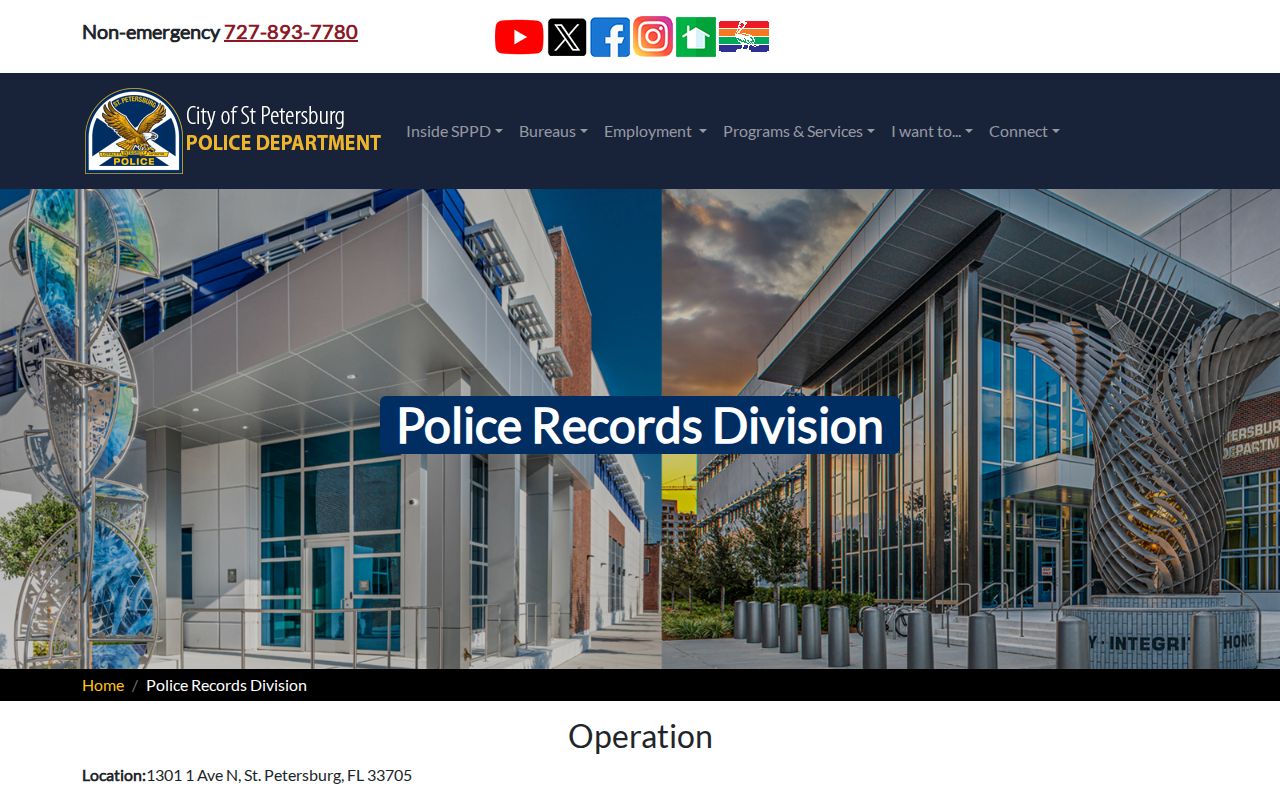
That page points to the city custodian for SPPD files, while county booking photos stay with PCSO.
St. Petersburg Arrest Custody Changes
An arrestee can drop off the Pinellas roster fast. Release, transfer, or a state prison sentence all explain the gap. A person sent to prison shows up in the Florida Department of Corrections search instead. Federal inmates belong in the Bureau of Prisons locator. Immigration custody runs through the ICE system. Juvenile and protected records stay out of routine public searches.
Keep these systems separate. PCSO's 30-day released window is just a county web-search limit, not the life of the arrest record. A later court outcome lives with the Pinellas Clerk. For an older booking, PCSO Records remains the fallback.
Photos follow the same rule. A county intake photo, a police evidence image, and a news photo sit with different custodians and different access limits. Ask for one specific record rather than every image tied to an event.
St. Petersburg Police Department Location and Directions
Public Record Search
Sponsored Results